e-Learning Projects
"Instructional strategies keep me focused on developing content that aligns with the learning outcomes."
{Core Values & Approaches}
I have been developing and designing post-secondary courses and curriculum for over twelve years. In that time I have relied upon various instructional design approaches and learning theories that help me to be efficient in the process.
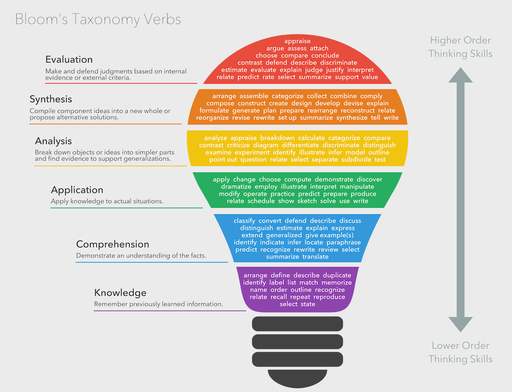
Instructional strategies keep me focused on creating learner-centered content that aligns with educational learning outcomes. Whether I am developing a new course or revising an existing one, starting with the end goal in mind and then progressing backwards ensures students will acquire the knowledge and skills needed to demonstrate the learning outcomes.
To make learning material more absorbable and engaging, I focus on creating experiental learning experiences such as scenario-based learning, infographics, case studies, animations and interactive content.
Backwards Design, ADDIE
Experential Learning Theory
Equity, Diversity and Inclusion
Academic Integrity
Constructivism Theory
Outcomes-Based Education
Competency-Based Education
{e-Learning Projects}
Below are some of my e-Learning projects.
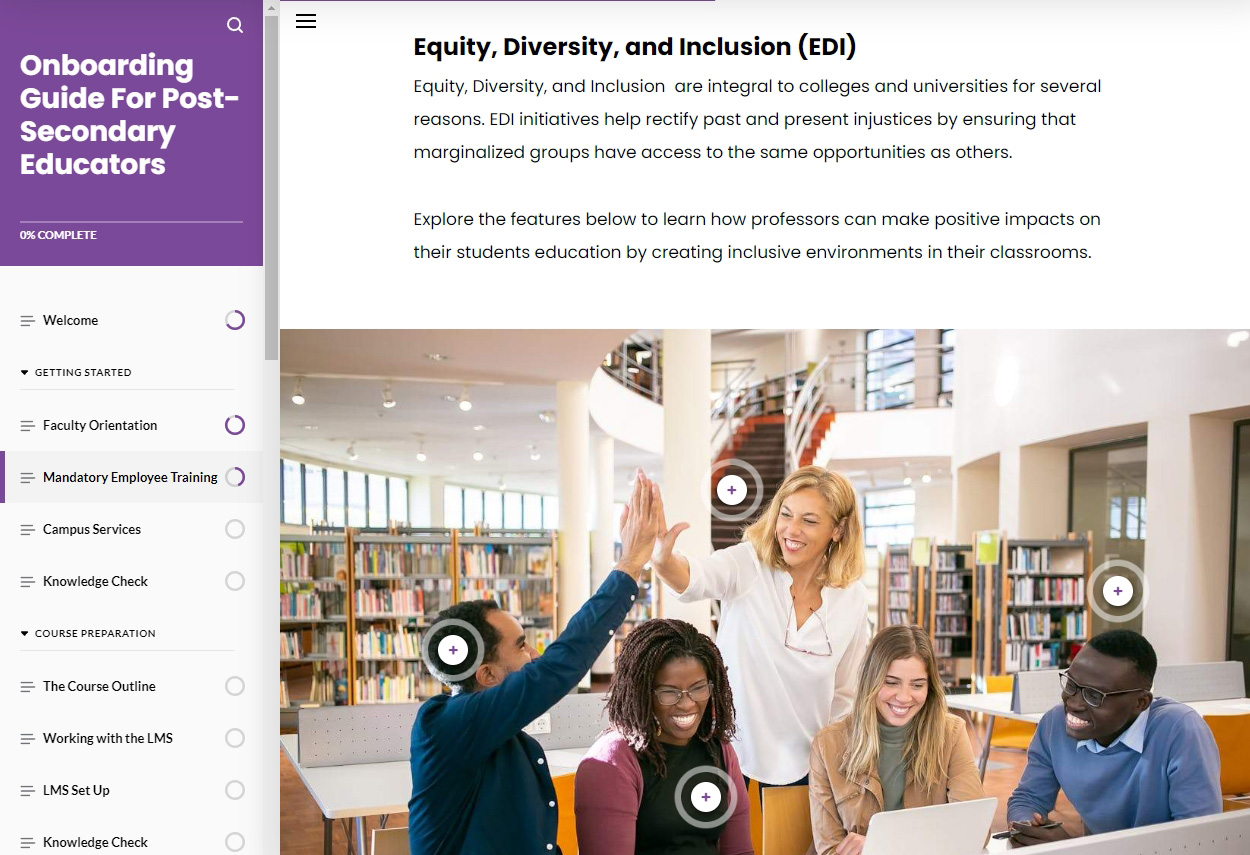
Faculty Onboarding Guide For Post-Secondary Educators
Overview: This module has been designed as an onboarding guide for post-secondary educators. It combines user interaction, scenarios, videos, and activities to enhance learner engagement.
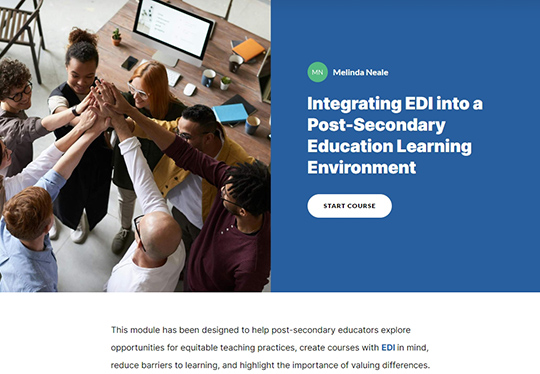
Integrating EDI into a Post-Secondary Education Learning Environment
Overview: This module explores pedagogical approaches to equitable teaching practices, creating courses and curriculum with EDI in mind, reducing barriers to learning, and highlighting the importance of valuing differences.
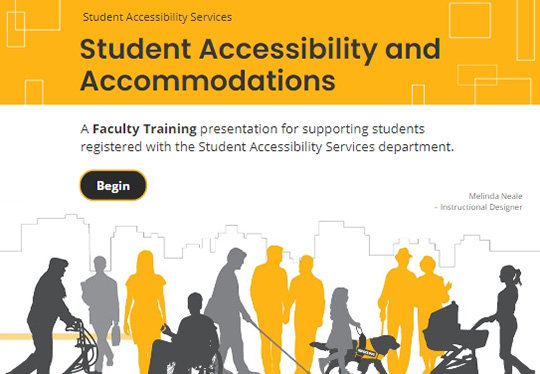
Accessibility & Accommodations - Faculty Training Presentation
Overview: This presentation provides faculty with an overview of a post-secondary Acessibility Services department, as well as outlining the role that academic staff play in supporting post-secondary students with disabilities.
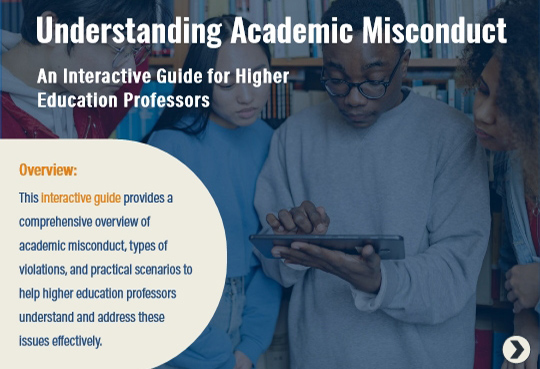
Understanding Academic Misconduct (Interactive Scenario-based Module)
Overview: This module provides a comprehensive overview of academic misconduct and types of violations, by utililizing interactivity, practical scenarios, and imagery to enhance learner engagement.
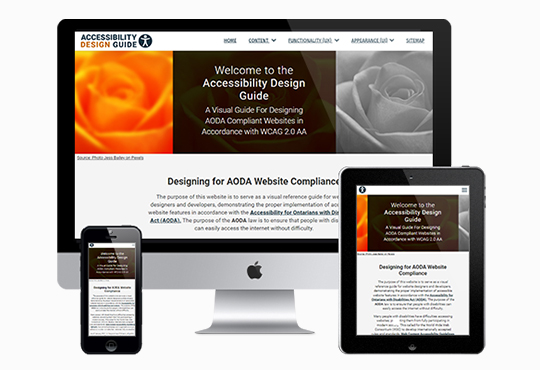
The Accessibility Design Guide Website
Overview: I designed and developed the Accessibility Design Guide wesite opens in a new tab as a visual resource for designers, developers, and faculty to meet accessibility guidelines. The working examples that I created showcase common website features and their corresponding WCAG 2.0 AA Success Criteria.
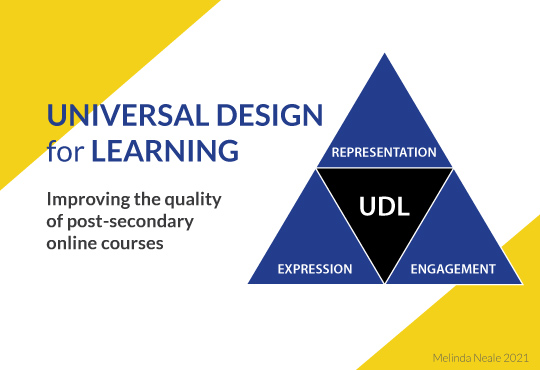
Universal Design for Learning
(Interactive module)
Overview: This module introduces post-secondary educators to the Universal Design for Learning (UDL) approach, enhancing their ability to apply UDL principles in online learning environments. It integrates videos and interactive content to boost learner engagement.
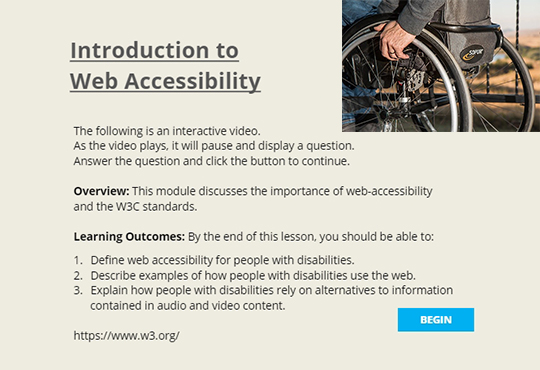
Intro to Web Accessibility
(Interactive Video)
Overview: This lesson is part of a module that introduces web-accessibility and the W3C standards. It explores the benefits of accessibility and the Web Content Accessibility Guidelines.
To boost learner engagement, interactive quizzes have been incorporated.
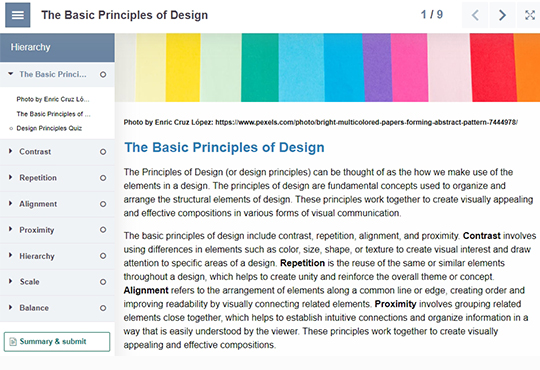
The Basic Principles of Design
(Interactive Module)
Overview: This lesson is part of a module that introduces the basic principles of design; contrast, repetition, alignment, and proximity.
It combines interactivity, animations, imagery, and video to increase learner motivation and engagement.
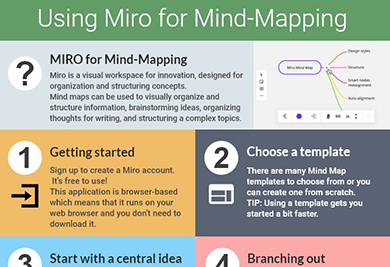
MIRO: Using MIRO for Mind Mapping
(Infographic Resource)
Overview: This infographic served as a learning resource to introduce the MIRO application to faculty as a means for creating Mind Maps. As a visualization tool, this infographic walks the learner through the basic steps of creating a graphic organizer using MIRO.
"I practice an outcomes-based approach to course and curriculum development."
- Outcomes-based Learning
- I practice outcomes-based education in all aspects of curriculum development; structuring content around activities that lead to demonstrable proficiency of a specific skill, knowledge, or behavior.
- Academic Integrity
- I use strategies, tools, and practices that promote academic integrity, helping students understand its importance and reducing opportunities for dishonest behavior.
- Course Development & Design
- I have extensive experience developing online, hybrid and in-person courses for new and existing programs (i.e., outlines, descriptions, learning outcomes, modules, assessments, rubrics and activities).
- ADDIE & Backwards Design
- Structured and systematic approaches, combined with Instructional Design models, help me to form clear learning goals and outcomes that enhance the learning process.