Loading...
Skip to Content

Understanding Academic Misconduct

Interactive Scenario-based e-Learning

Home / e-Learning Projects / Understanding Academic Misconduct
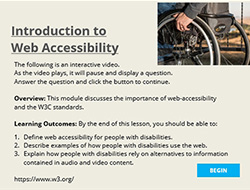
laptop showing Accessibility module

Project Overview

This module provides a comprehensive overview of academic misconduct, types of violations, and practical scenarios to help higher education professors understand and address these issues effectively. It combines interactivity, scenario-based learning, and animations to enhance learner engagement and information retainment.

Objectives: To understand academic integrity and misconduct in order to maintain the institution's values and the fairness of the academic environment.

TOOLS

Articulate Storyline | Photoshop

e-Learning

Interactive content, scenarios, multiple choice quizes, drag-and-drop, progression tracking.

AUDIENCE

Higher Education Professors
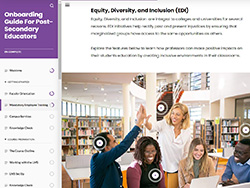
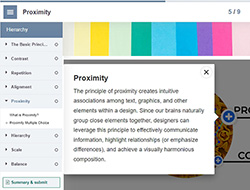
Introduction to academic misconduct guide
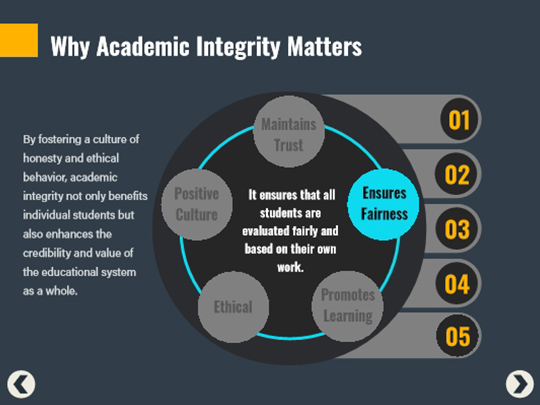
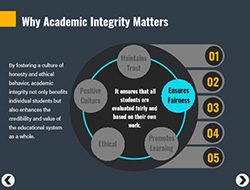
why academic integrity matters screen
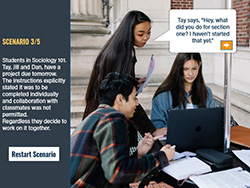
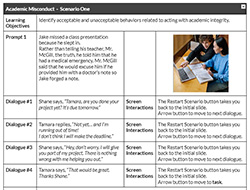
scenario showing young male student discussing project with young female student
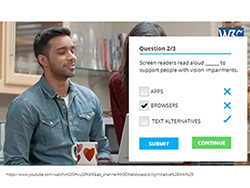
assessment screen asking which form of academic integrity this scenario applies to with multiple choice activity.
scenario showing young male student discussing project with two young female students.
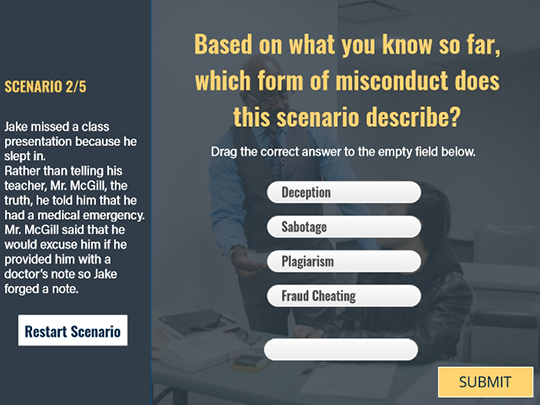
assessment screen asking which form of academic integrity this scenario applies to with drag and drop activity.
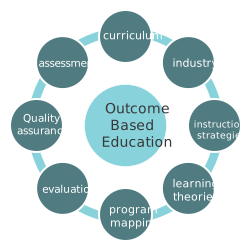
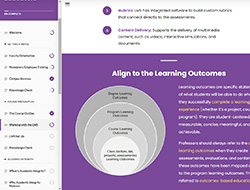
 diagram about outcomes-based education

Learning outcomes applied to this module

01.  Apply the values of academic integrity; honesty, trust, fairness, respect and responsibility, to pedagogical approaches.

02.  Recognize common forms of academic misconduct encountered by educators in higher education.

03.  Describe the importance of academic integrity and why it matters in the educational system.

04.  Identify acceptable and unacceptable behaviours related to acting with academic integrity.

{Project Toolkit}

I employ a variety of strategies to ensure that educational projects are effective, engaging, and meet the learning objectives.

Storyboards

I use storyboards to visualize the screen layout, including text, images, multimedia elements, and interactions. They also serve as a communication tool among SME's, stakeholders, graphic designers, and developers.

Flow Charts

Flowcharts help me plan and organize content, design learning paths, and map learning objectives to content, activities, and assessments. Afterwards, I share the flowchart with team members and stakeholders for feedback.

Prototypes

I use prototypes to design, test, refine, and improve before the final development. Depending on the project, I use prototyping tools such as Adobe XD, Sketch, Figma, or Articulate Storyline/Rise.

Web Coding

I leverage HTML/CSS, Bootstrap and other web technologies, to enhance e-learning content (e.g., to embedding videos, audio files, and other multimedia content into e-learning modules).
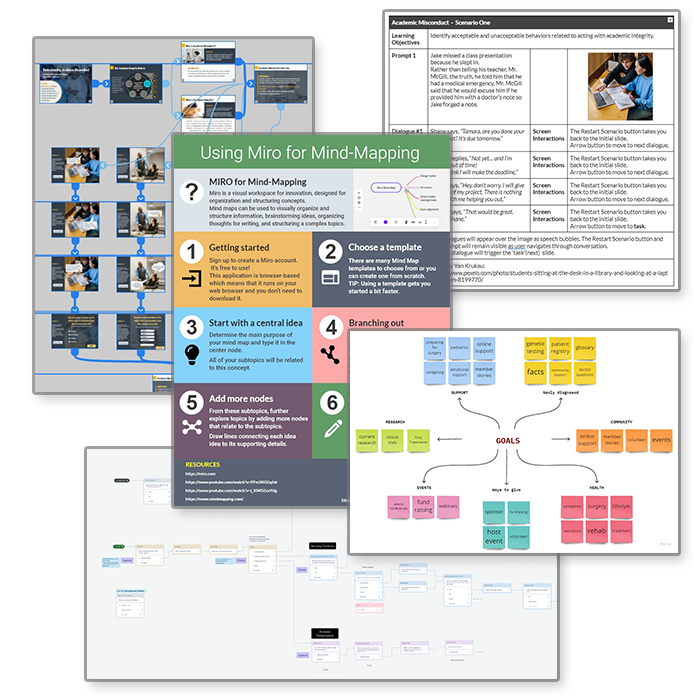
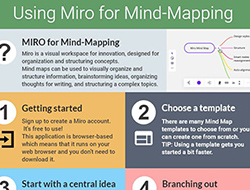
a collage of toolkit examples