Loading...
Skip to Content

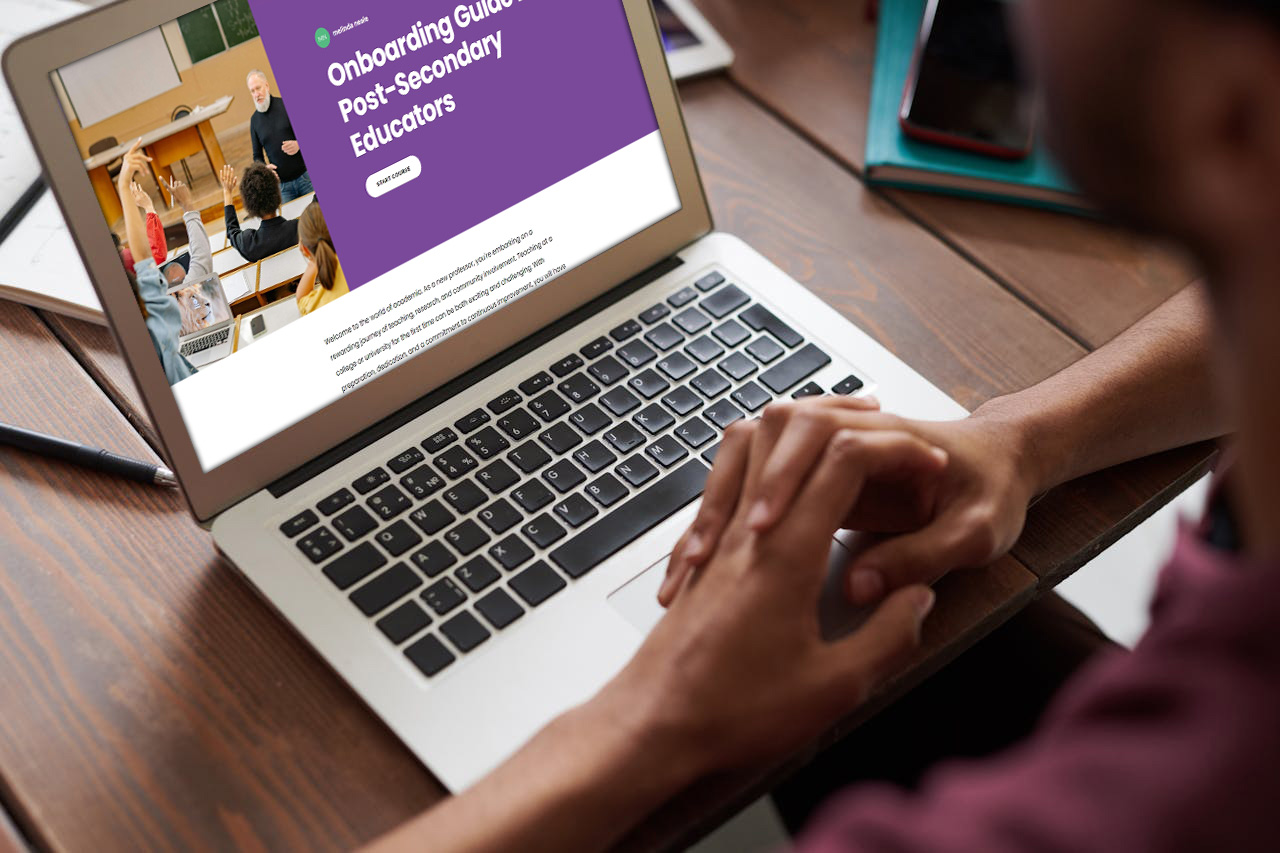
Onboarding Guide For Post-Secondary Educators

Interactive e-Learning Course
Home / e-Learning Projects / Onboarding Guide For Post-Secondary Educators
laptop showing Accessibility module

Project Overview

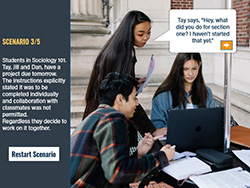
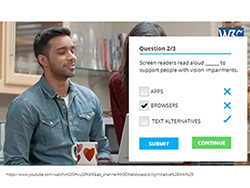
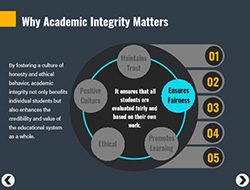
This interactive module has been designed as an onboarding guide for post-secondary educators. It combines user interaction, scenarios, and videos. formative assessments Formative assessments are incorporated to provide immediate feedback and identify areas of understanding.

Objectives: To help new post-secondary professors navigate the many facets of their position in higher education.

TOOLS

Articulate Rise 360 | Photoshop

e-Learning

Interactive content, experiential and scenario-based learning, knowledge checks, activities, and progression tracking.

AUDIENCE

Post-Secondary Educators
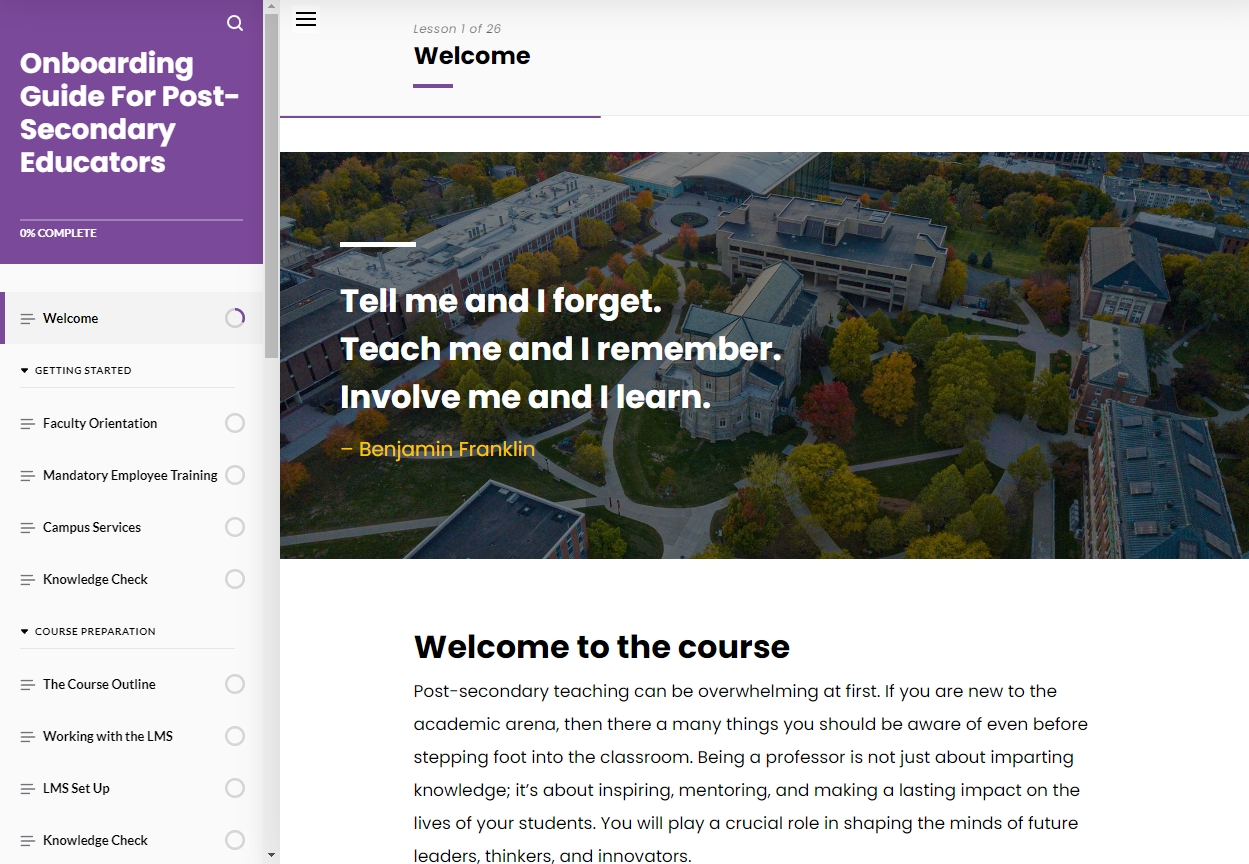
Introduction and welcome message
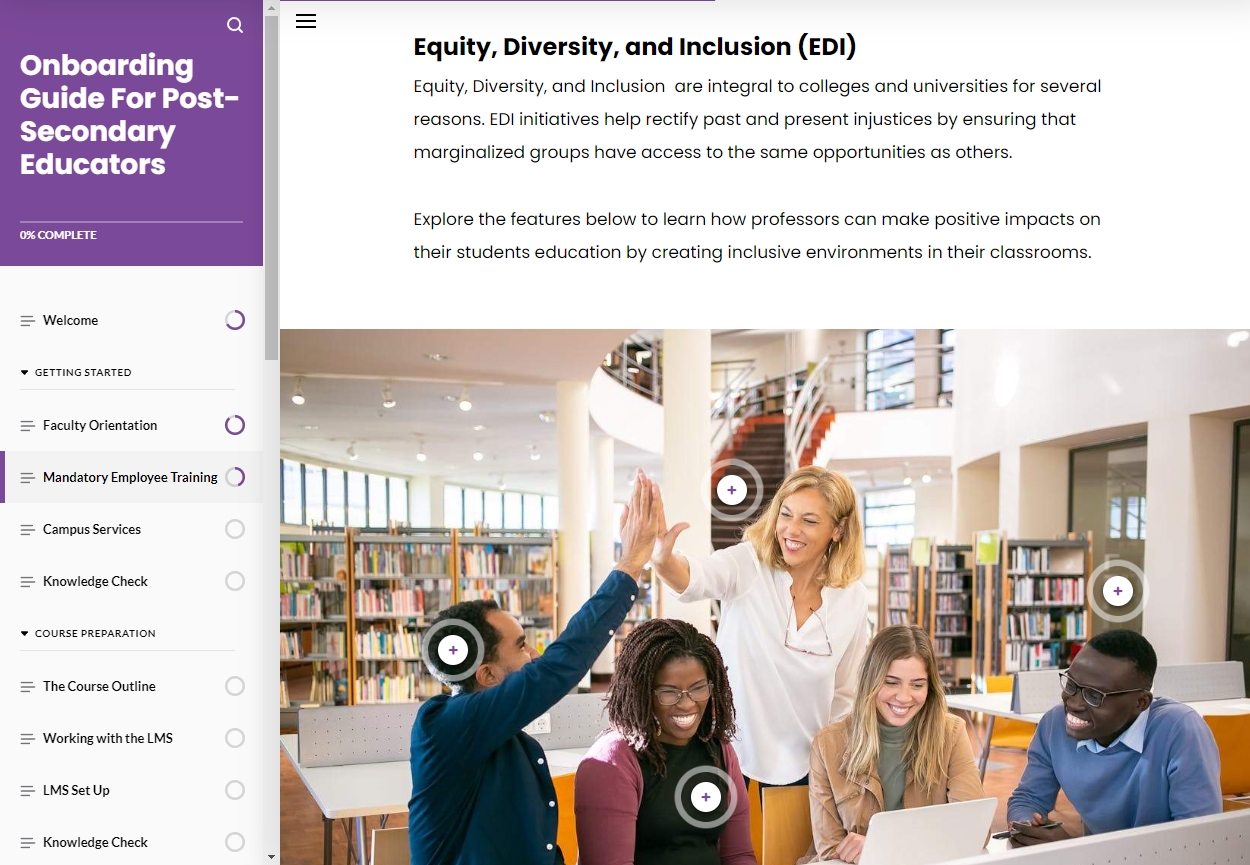
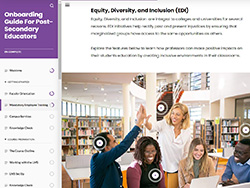
section on EDI
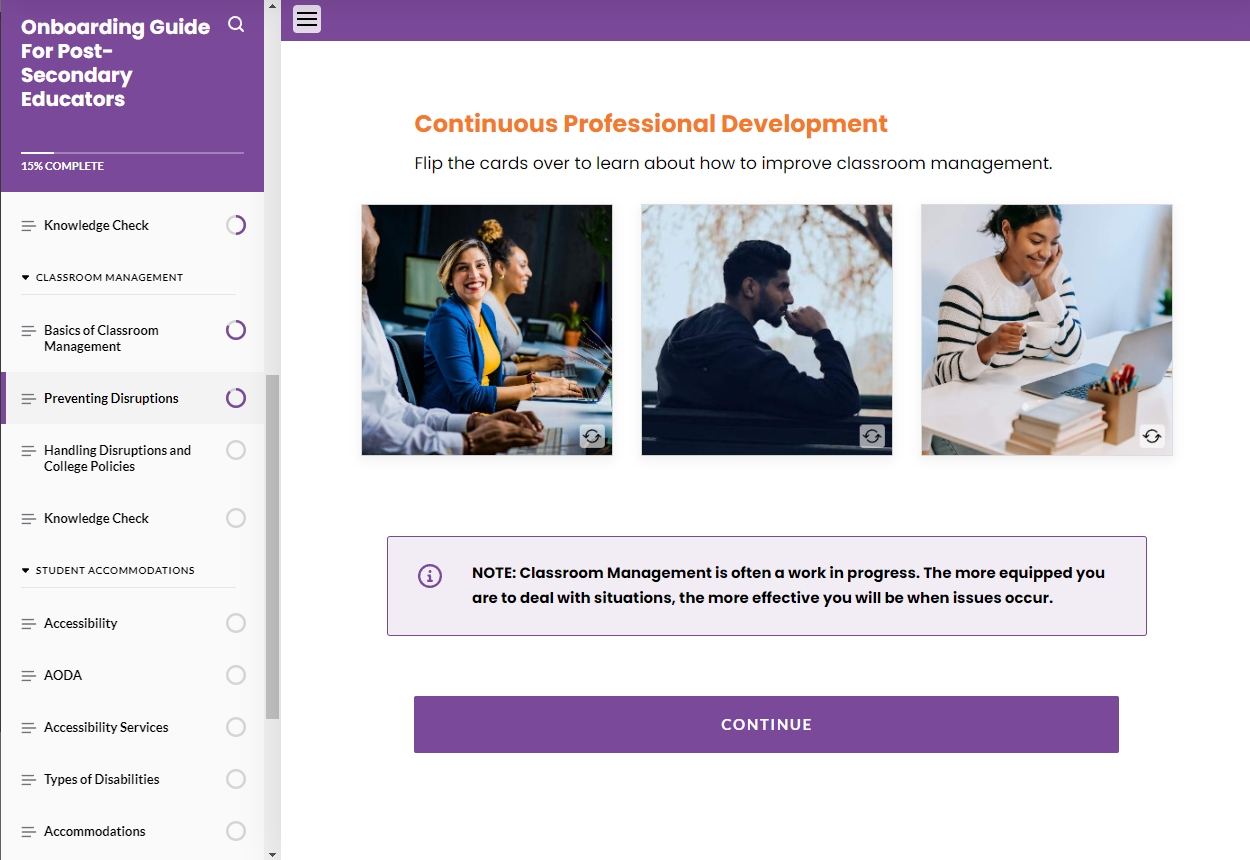
professional development
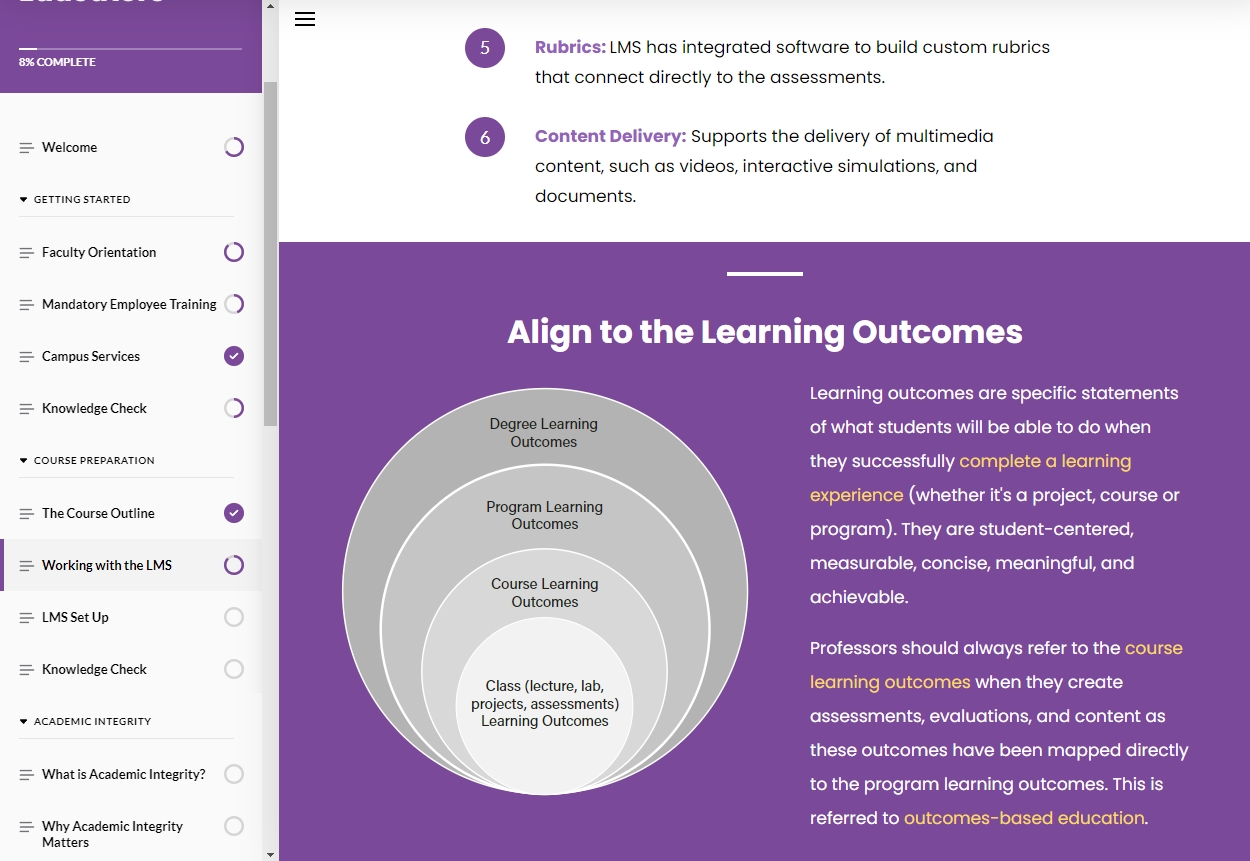
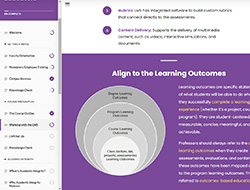
align to learning outcomes
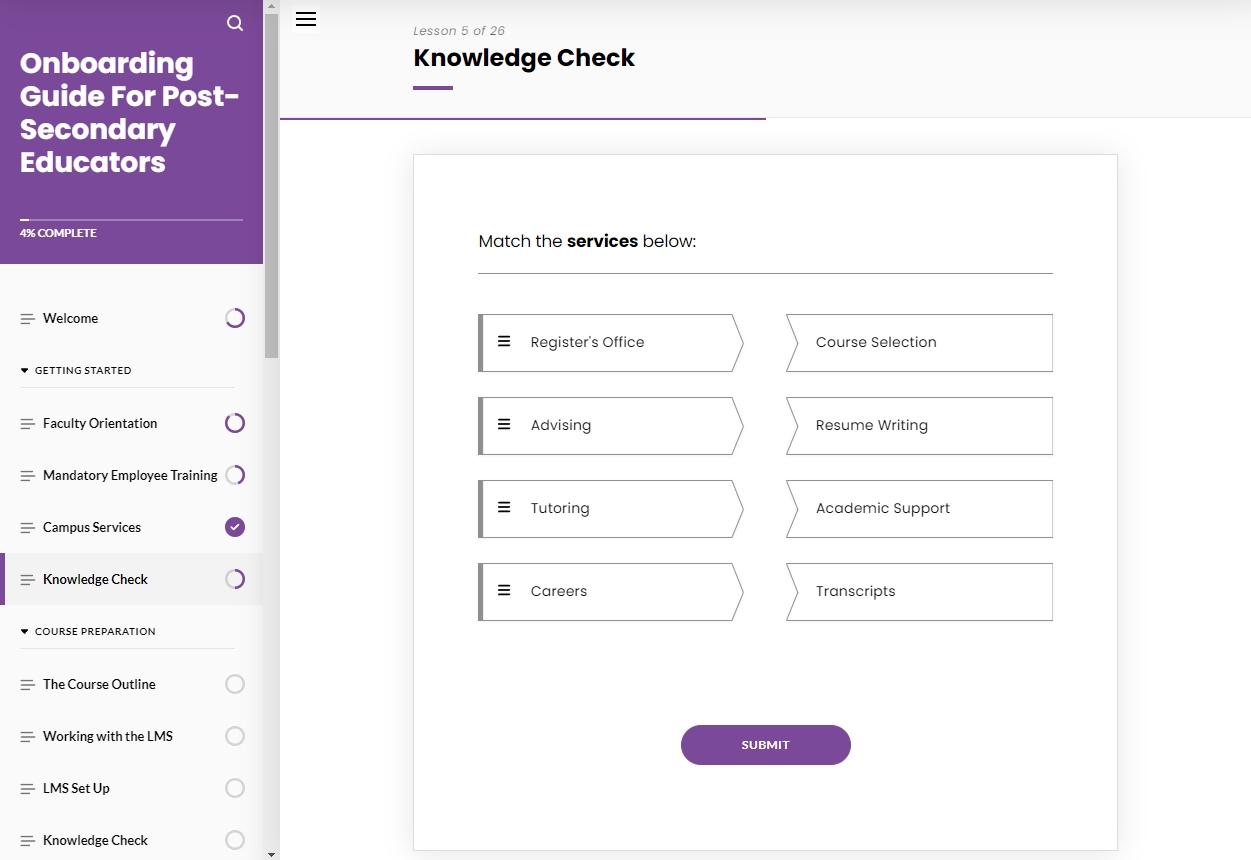
knowledge check
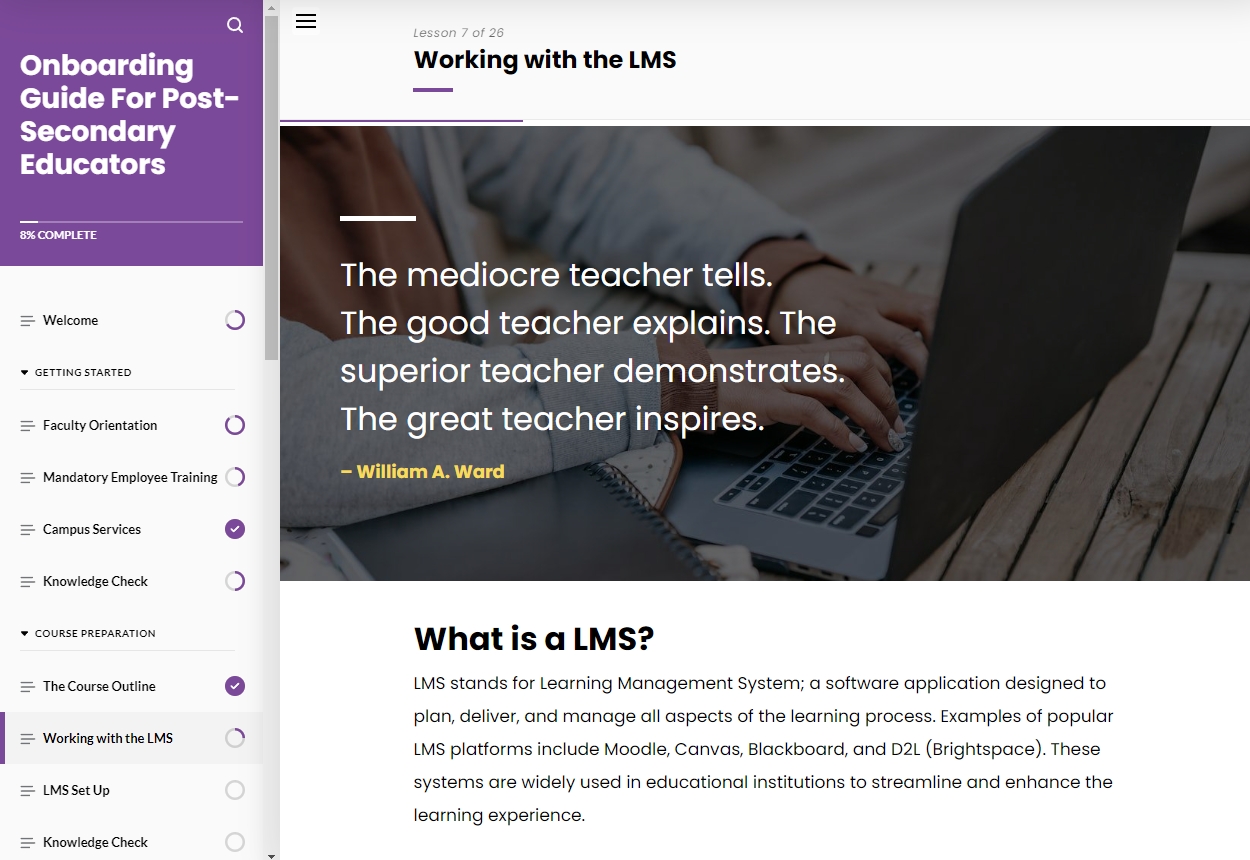
working with a lms
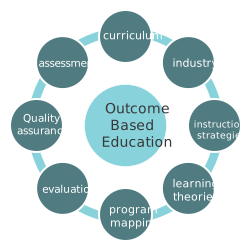
 diagram about outcomes-based education

Learning objectives applied to this module

01.  Learners will be able to identify various forms of academic misconduct.

02.  Differentiate the responsibilities between the student and the professor during the accommodation process.

03.  Describe the elements of classroom management and how to prevent classroom disruptions.

04.  Identify the various types of learning management software used in higher education.

{Project Toolkit}

I employ a variety of strategies to ensure that educational projects are effective, engaging, and meet the learning objectives.

Storyboards

Storyboards help me visualize the screen layout, including text, images, multimedia elements, and interactions. They also serve as a communication tool among SME's, stakeholders, graphic designers, and developers.

Flow Charts

Flowcharts help me plan and organize content, design learning paths, and map learning objectives to content, activities, and assessments. Afterwards, I share the flowchart with team members and stakeholders for feedback.

Prototypes

When time allows, I create prototypes to design, test, and refine before the final development. Depending on the project, I use prototyping tools such as Adobe XD, or Figma.

Web Coding

I leverage HTML/CSS, Bootstrap and other web technologies, to enhance e-learning content (e.g., to embedding videos, audio files, and other multimedia content into e-learning modules).
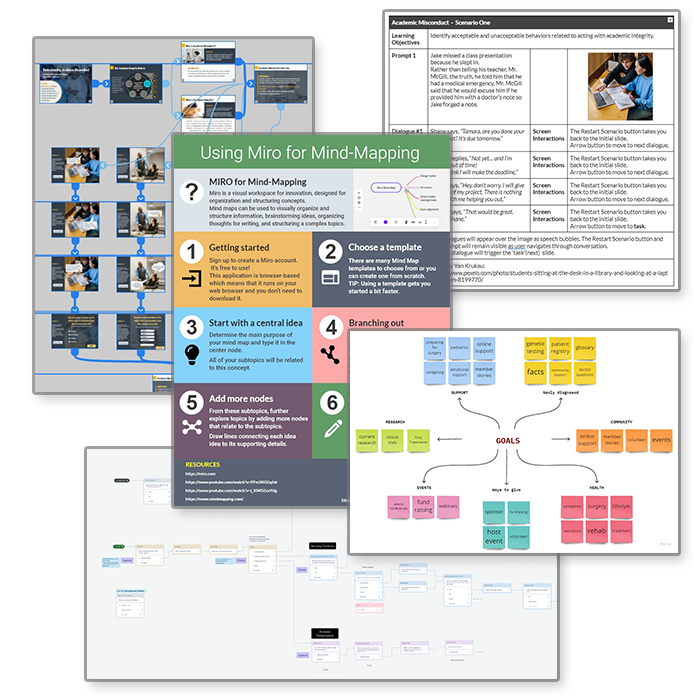
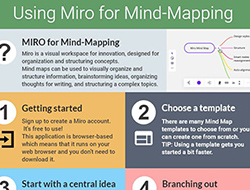
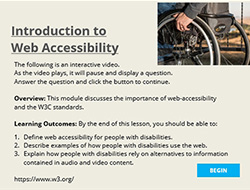
a collage of toolkit examples