Integrating EDI into a Post-Secondary Education Learning Environment
Interactive e-Learning Module

Project Overview
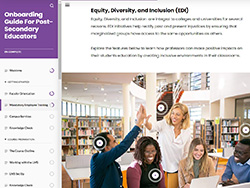
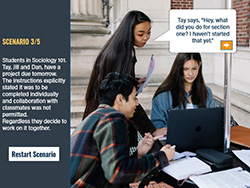
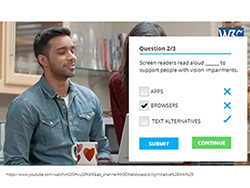
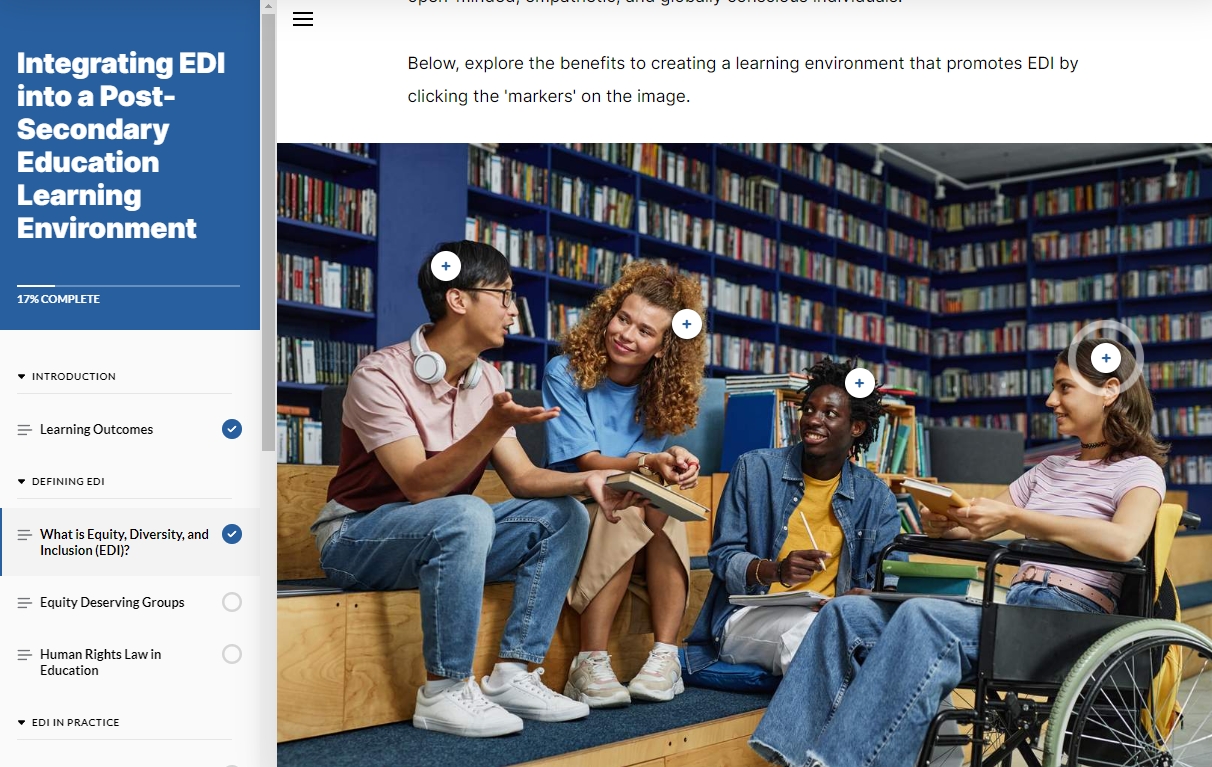
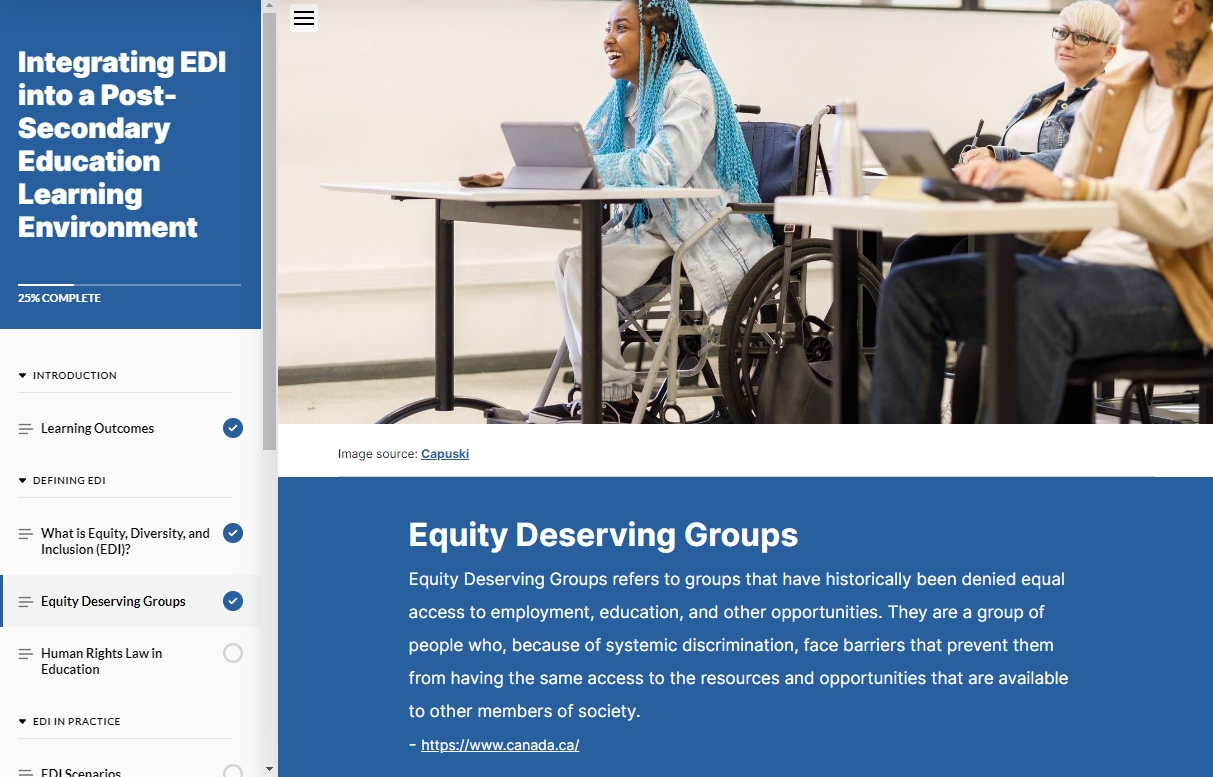
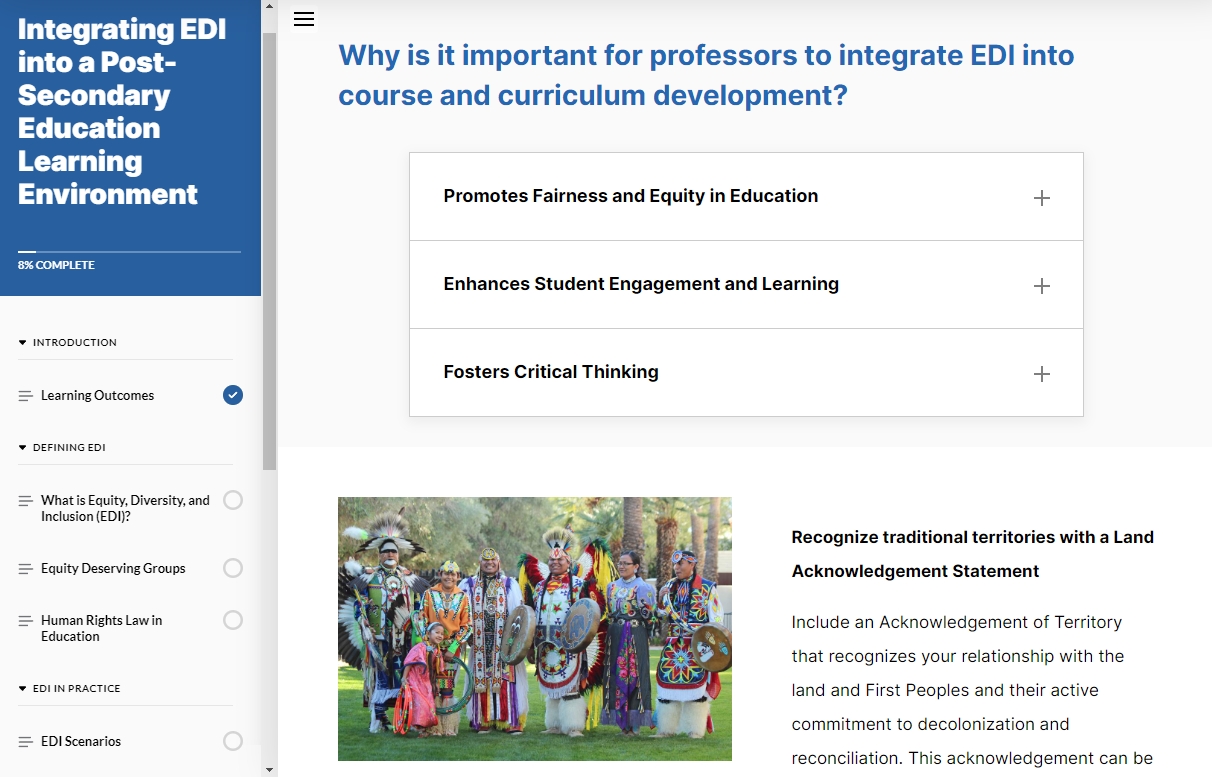
This module explores pedagogical approaches to equitable teaching practices, creating courses and curriculum with EDI in mind, reducing barriers to learning, and highlighting the importance of valuing differences. Embedded into this module is a number of tools and activities to help you integrate and achieve equity, diversity, and inclusion into your teaching practice. It aids post-secondary educators in developing equitable learning environments that support students from all backgrounds, fostering a sense of belonging, and connectedness.
Objectives: Aid post-secondary educators in creating a learning environment of inclusion where every student, regardless of their background or abilities, feels valued, respected, and empowered.
TOOLS
e-Learning
AUDIENCE
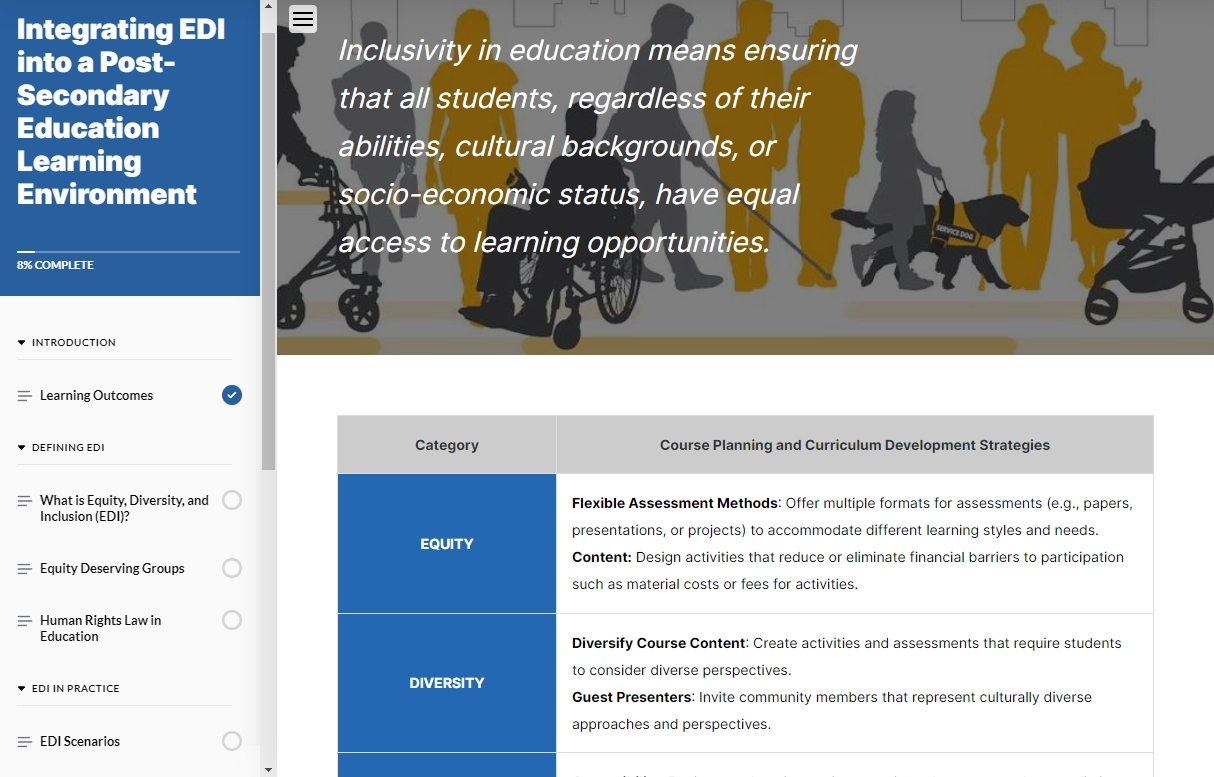


At the end of this module, learners will be able to:
01. Describe the main concepts of equity, diversity, and inclusion as they relate to a post-secondary learning environment.
02. Recognize the Ontario Human Rights Laws pertaining to an educator's roles and responsibilities when creating an inclusive learning environment.
03. Apply EDI principles to pedagogical strategies when planning and developing courses and curriculum, following the foundations of inclusive education.
04. Evaluate concepts of race, culture, identity, and diversity in relation to education that promotes equity and diversity.
{Project Toolkit}
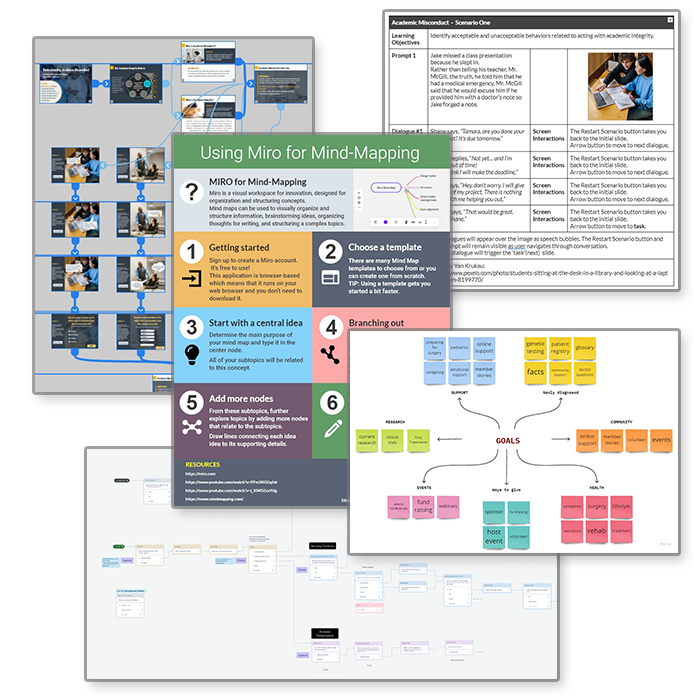
I employ a variety of strategies to ensure that educational projects are effective, engaging, and meet the learning objectives.
Storyboards
Flow Charts
Prototypes
Web Coding